How Do I Log Out of My Lifeboost Account?Updated 8 hours ago
Need to log out of your Lifeboost Coffee account? No problem! Just follow these simple steps.
Step 1: Visit LifeboostCoffee.com and click Account at the top of the page.
Step 2: Once your account dashboard opens, click PROFILE at the bottom of the account menu.
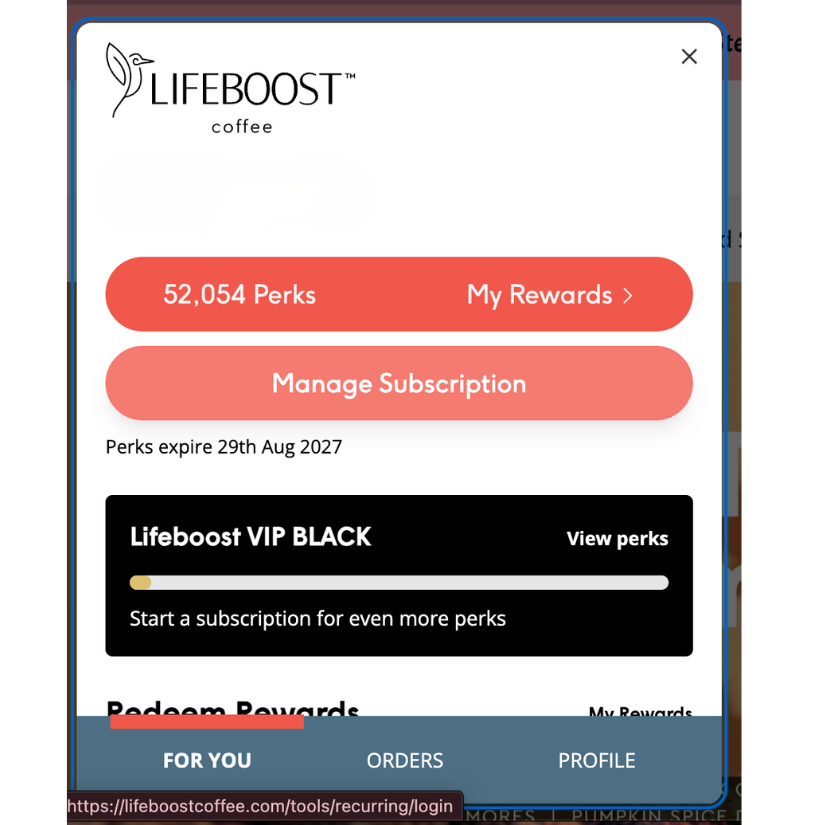
Step 3: Scroll down within the Profile section until you see the red Log out button.
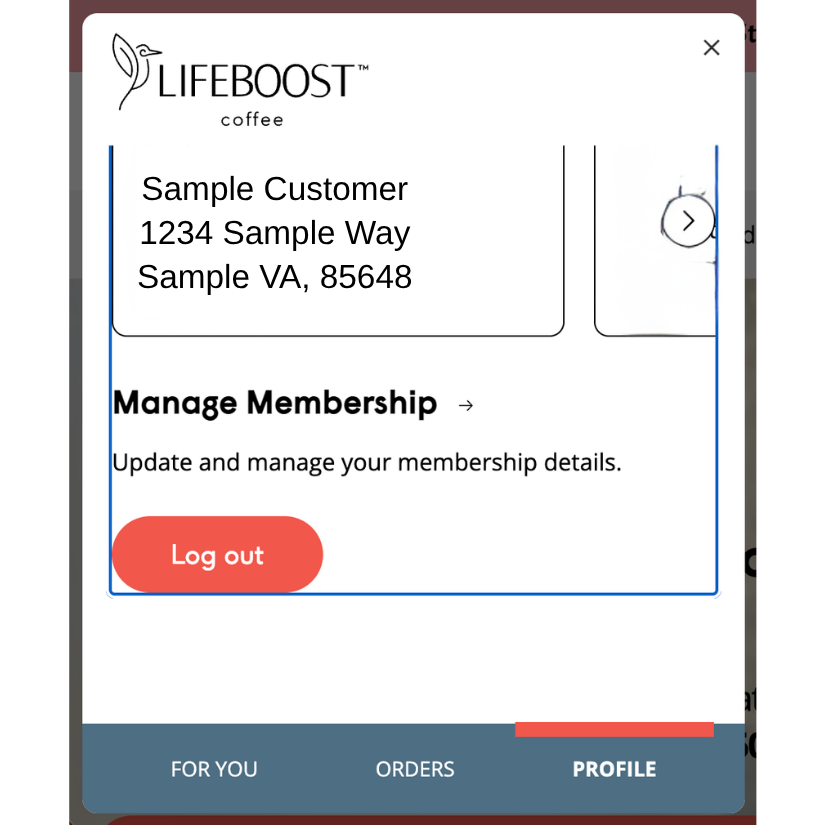
Step 4: Click Log out, and you're all set!
Still Need Help?
If you're having trouble logging out or accessing your account, our Customer Support Team is happy to help!
Email: [email protected]
Phone: 1-800-479-1596